Input Methods
Simply use natural language — no special format or commands needed. Examples:"What's my wallet balance?""Buy 100 USDC worth of ETH""Is this token safe? 0x...""What are people discussing on Farcaster right now?"
Chat Interface
Suggestion System
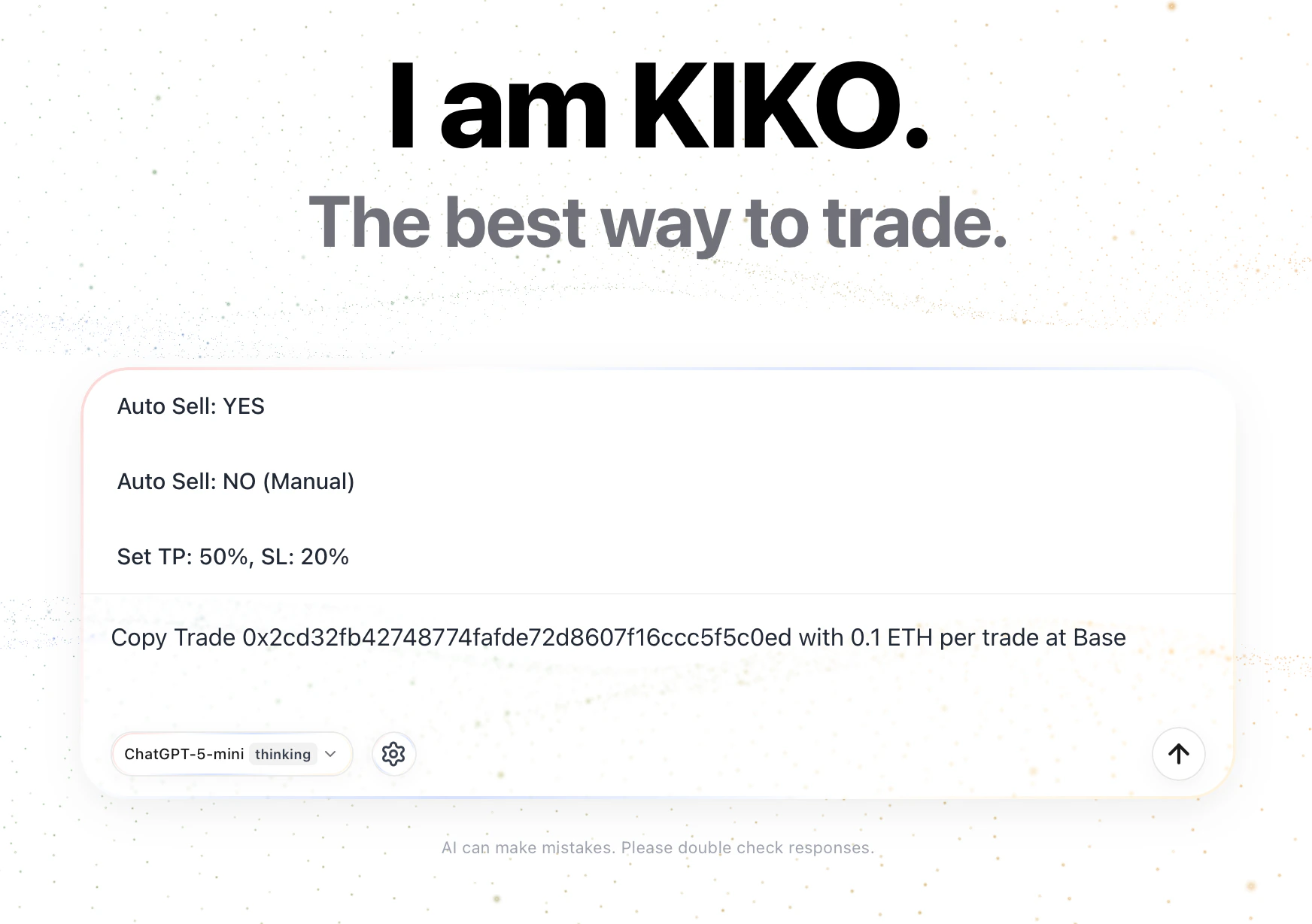
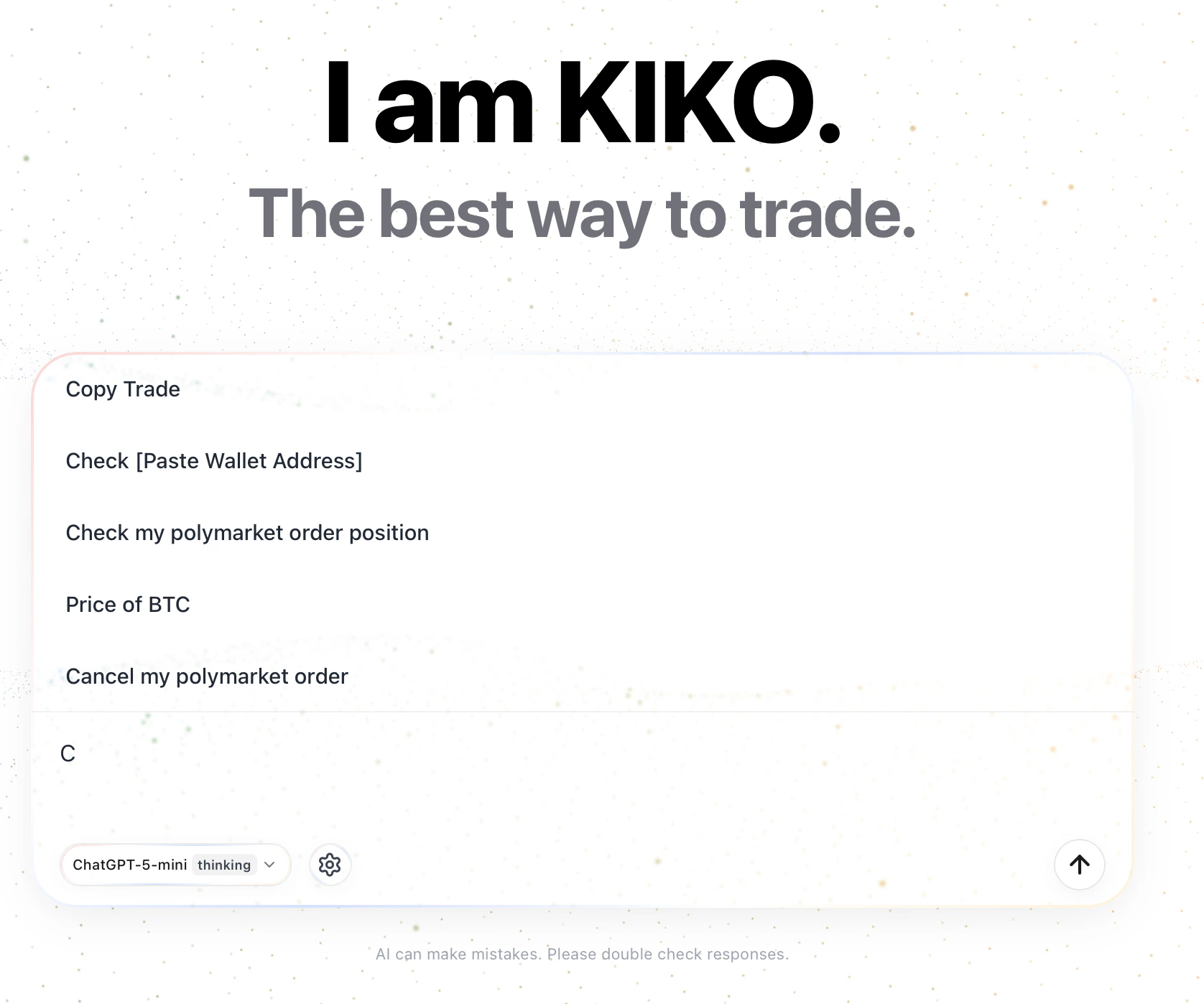
As you type, the chat box displays real-time command suggestions based on your prefix. Click a suggestion to auto-fill it, then modify amounts or addresses as needed. Example suggestions:| Your Prefix | Suggested Commands |
|---|---|
Swap | Swap 0.1 ETH to USDC |
0x... (contract address) | Swap, Copy Trade, Check Risk |
Copy | Copy trade wallet 0x... |
Check | Check token risk 0x... |
Suggestion Examples
Trade Execution
Swaps execute directly with Allowance — no confirmation card. See Swap Trading for details.Model Selection & Troubleshooting
KiKo supports multiple AI models with different capability levels. Stronger models make better use of built-in tools, understand complex instructions, and deliver more accurate analysis. If you encounter issues, try switching to a higher-tier model:- AI replies contain errors or contradictions
- Tool calls fail or return unexpected results
- Complex multi-step research tasks cannot be completed
Switch models using the model selector in the chat interface. Changes take effect immediately for the current session.